

Cerner Catalog
-
 Access Cerner from a Remote Location
Tips and Tricks for using Cerner
-
 Ambulatory Support Staff Workflow Mpage
Demonstration of an Mpage workflow for Ambulatory Support Staff
-
 Cerner - AutoText
This exercise will show you a video on how to use AutoText within Cerner al... Read More
-
 Cerner - Departure, Patient Education, and Follow-Up
How to use Cerner depart, patient education and follow-up
-
 Cerner - Discharge Workflow
Video tutorial on how to use the discharge workflow along with an optional... Read More
-
 Cerner - Dynamic Documentation (DynDoc)
This video tutorial will show you how to use DynDoc in Cerner along with gi... Read More
-
 Cerner - Home Medications and Prescription Renewals
How to use Cerner Home Medication and Prescription renewals and optional si... Read More
-
 Cerner - Immediate Post-Op Note
How to use immediate post-op and operate note templates in Cerner.
-
 Cerner - Inpatient Transfer Workflow
Tutorial on how to use Cerner Inpatient Transfer Workflow and optional simu... Read More
-
 Cerner - Medication Reconciliation Upon Admission
This video will show you how to use medication reconciliation within Cerner... Read More
-
 Cerner - Message Center
This video tutorial will show you how to use Message Center in Cerner.
-
 Cerner - My Experience
This video tutorial will show you how to use the ViewPoint, My Experience w... Read More
-
 Cerner - Order Entry and Order Profile
How to utilize Order Entry and Order Profile within Cerner along with an op... Read More
-
Cerner - Practice Workflow MPages and Dynamic Documentation
-
 Cerner - Problem Lists, Assessment and Planning
How to utilize Cerner patient problem list and assessment & plan
-
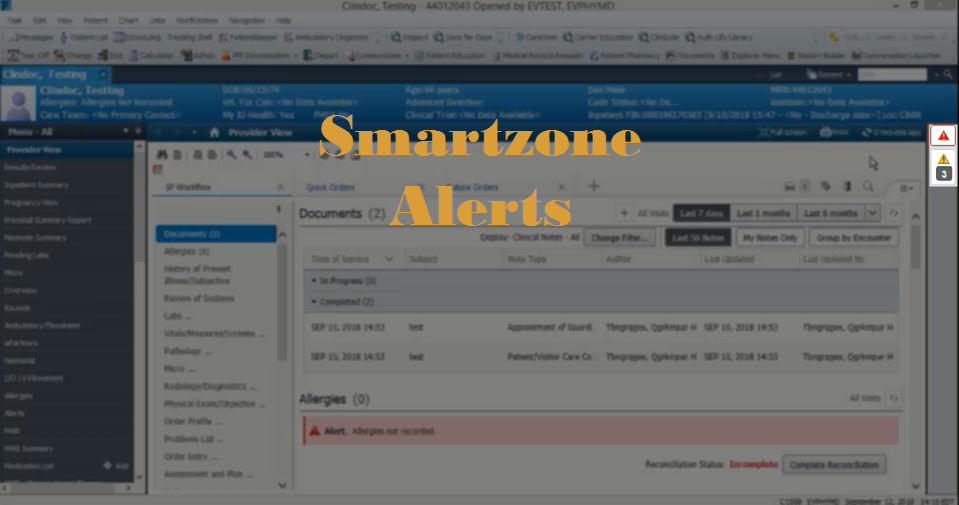 Cerner - Smartzone Alerts
Dr. Park provides an overview of the new Cerner Smartzone alerts repla... Read More
-
 Cerner - Viewing Documents, Labs, and Radiology Results
How to video on how to view Viewing Documents, Labs, and Radiology Results... Read More
-
 Cerner - Workflow MPages and Dynamic Documentation
This video tutorial will show you how to navigate the Cerner Workflow.
-
 Cerner Discharge Process
How to utilize Cerner when discharging a patient.
-
Cerner Learning Framework
Launch the Cerner Learning Framework. Must be done prior to your sche... Read More
-
Changing Home Folders When Changing Rotations
Tips and Tricks for using Cerner
-
CIS Update - USP 800
Safe handling procedures, guidelines, and standards are published in the Un... Read More
-
Creating and Using Autotext (SmartText)
Tips and Tricks for using Cerner
-
Creating Macros within Powernote
Tips and Tricks for using Cerner
-
Creating Patient Lists
Tips and Tricks for using Cerner
-
Customizing the auto-populate window in Powernote
Tips and Tricks for using Cerner
-
 ED Provider Discharge Process
This course reviews the discharge checkout process used by Emergency Depart... Read More
-
 Hospitalist Uplift Documentation
-
 Hospitalist Uplift Introduction
-
 Hospitalist Uplift Order Entry
-
 Hospitalist Uplift Workflow
-
How to access Surginet Anesthesia in TRAIN
Tips and Tricks for using Cerner
-
How to Change Font Size in Powernote or Autotext
Tips and Tricks for using Cerner
-
How to change Powernote Types and Templates when going to new rotation
Tips and Tricks for using Cerner
-
How to change the signature line in Patient/Provider Letters
Tips and Tricks for using Cerner
-
How to Save a Favorite to Your EDI
Tips and Tricks for using Cerner
-
How to view Radiology Images from within Powerchart
Tips and Tricks for using Cerner
-
How to View the OR Schedule from within Powerchart
Tips and Tricks for using Cerner
-
Initiating a Powerplan from a Planned State
Tips and Tricks for using Cerner
-
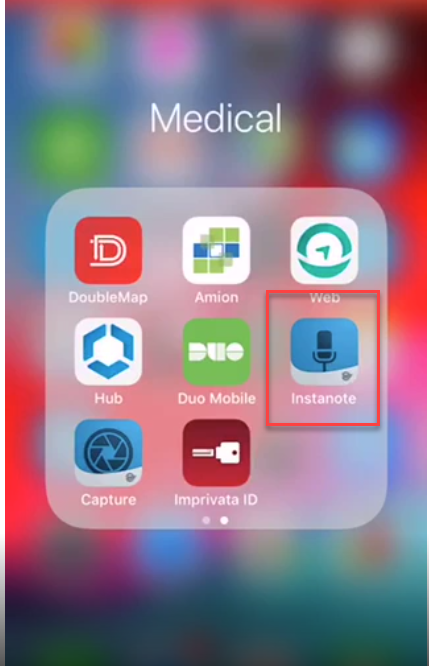 InstaNote Mobile App Demonstration
Video demonstration of how to use InstaNote mobile application.
-
M*Modal Engage
Overview of how to access and utilize Indiana University Health's CDI appli... Read More
-
Modifying an Existing or Creating a New Powerplan
Tips and Tricks for using Cerner
-
 Mpage Dyn Doc Workflow with Adult Patients
Mpage Dyn Doc demonstration
-
 Mpage Dyn Doc Workflow with Pediatric Patients
Mpage Dyn Doc demonstration
-
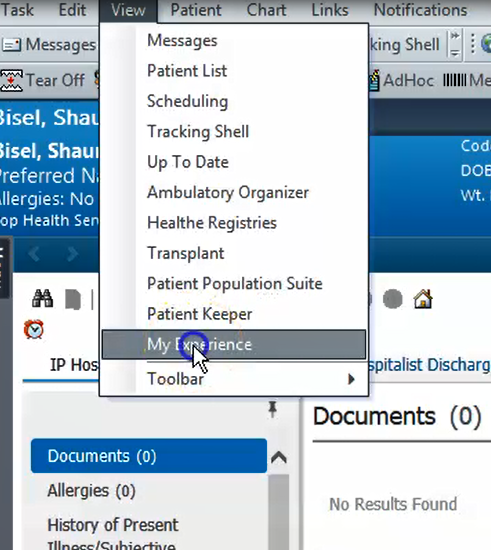 My Experience - Changing orders, home folders, note types, and templates
Short video on how to change orders, home folders, note types, an... Read More
-
My IU Health Clipboard
My IU Health Clipboard demonstration by Emily Webber, MD.
-
Navigating Button Bars
Tips and Tricks for using Cerner
-
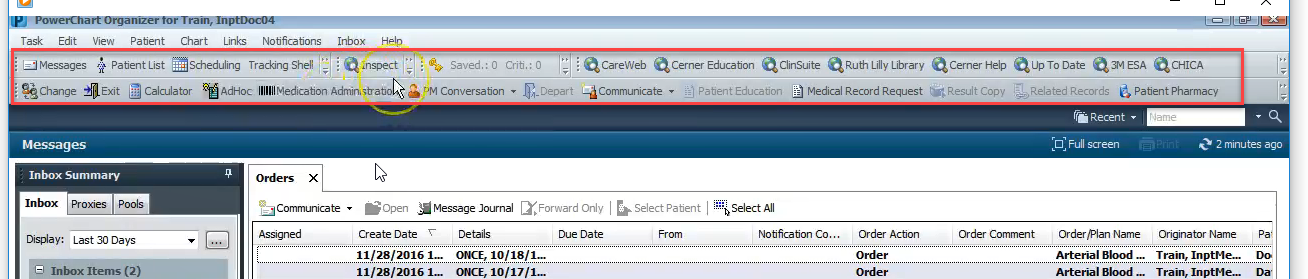 Navigating Button Bars in Cerner
Video demonstration on navigating the button bars in Cerner.
-
 OBGYN Core Uplift Education
Specialty Workflow View
-
Ordering an Inpatient Heparin Drip via Cerner
-
Ordering DOAC Anticoagulants for Admitted Inpatients via Cerner
-
Ordering IV Antimicrobials for Neonatal and Pediatric Patients
-
Ordering Warfarin for an Inpatient in Cerner
-
Overview of INSPECT for ED and Pain Clinic Providers
This course is for ED and Pain Clinic Providers Only.
-
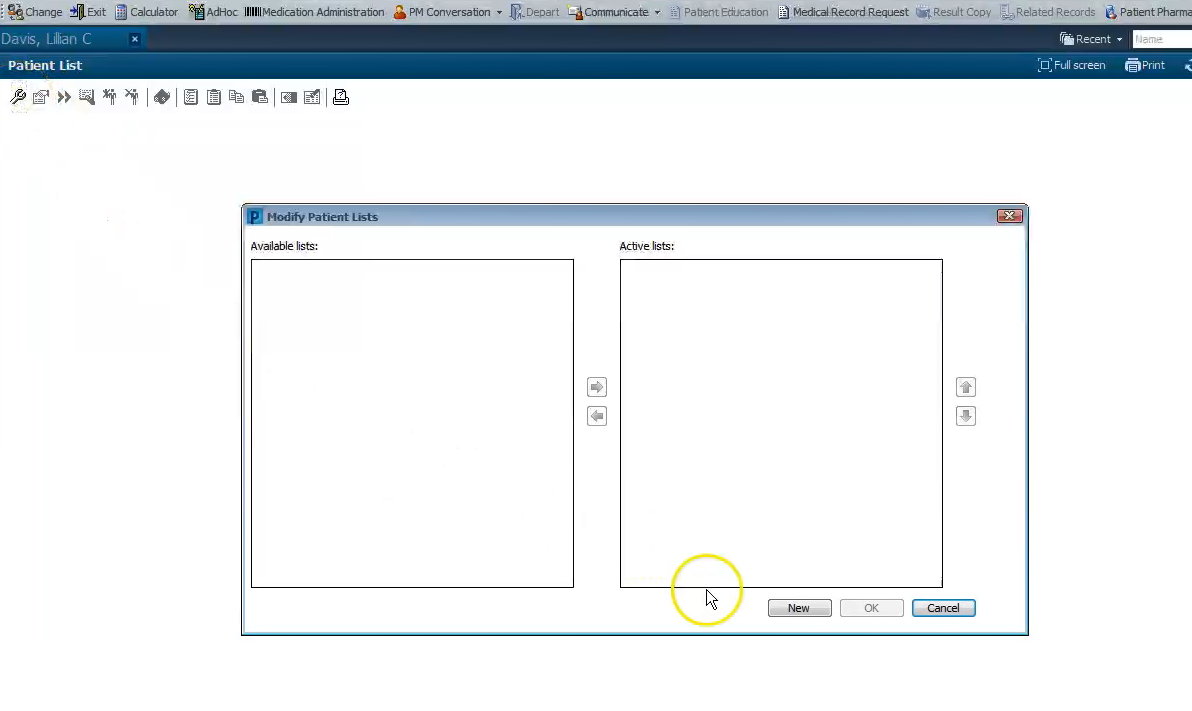 Patient Lists - Creating new patient lists
Video demonstration of how to create new patient lists
-
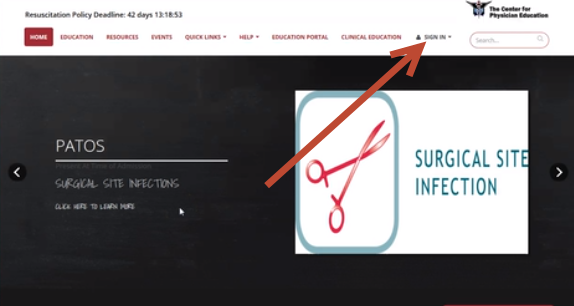 Pointers for Accessing the Physician Education Website and Required Courses
Tips and Tricks for using Cerner
-
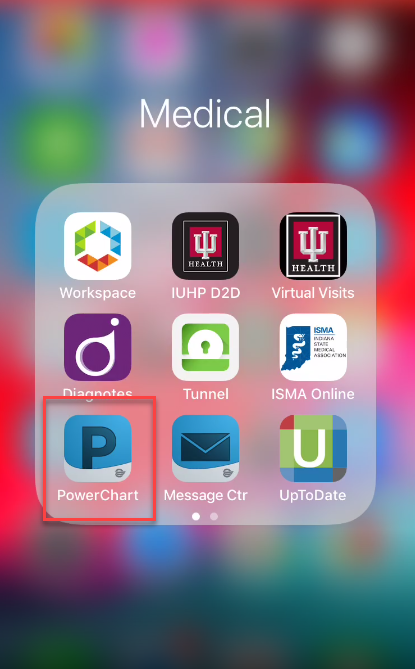 PowerChart Touch Demonstration
Video demonstration of how to access and use PowerChart Touch on your mobil... Read More
-
Putting OBGYN Powerplans in a Planned State
Tips and Tricks for using Cerner
-
Resident Overview Training
Overview Training w/Dr. Webber
-
Saving and sharing a Powerplan as a Favorite
Tips and Tricks for using Cerner
-
Set Powerchart PROD Preferences for Anesthesia
Tips and Tricks for using Cerner
-
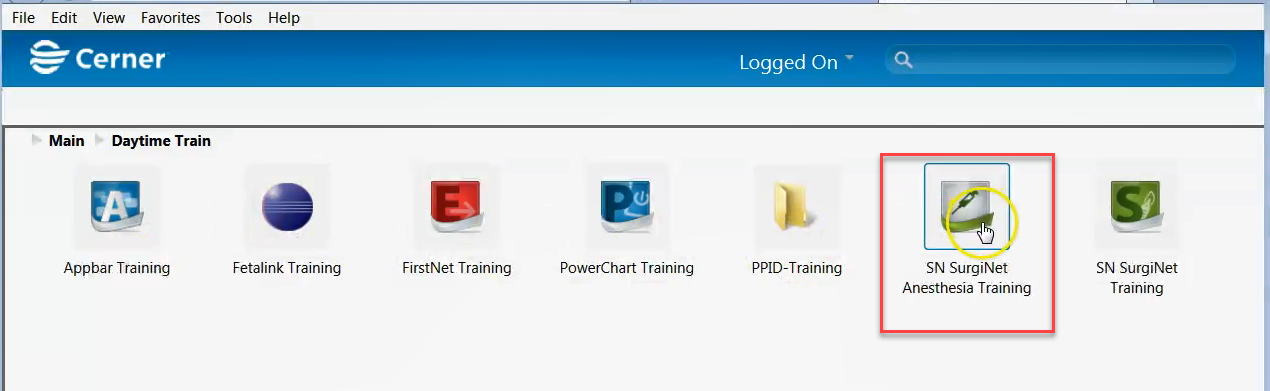 Surginet Train - Accessing Surginet Train Environment
Video demonstration on access the Surginet Train environment.
-
 Uplift Standard Dynamic Documentation Video
Dynamic documentation enhancements for both inpatient and ambulatory provid... Read More
-
 Uplift Standard Workflow Video
-
 Uplift with Drs. Webber & Schaffer
Uplift with Dr. Webber & Schaffer
-
 Using the Ambulatory Organizer
Uplift video on the Ambulatory Organizer
-
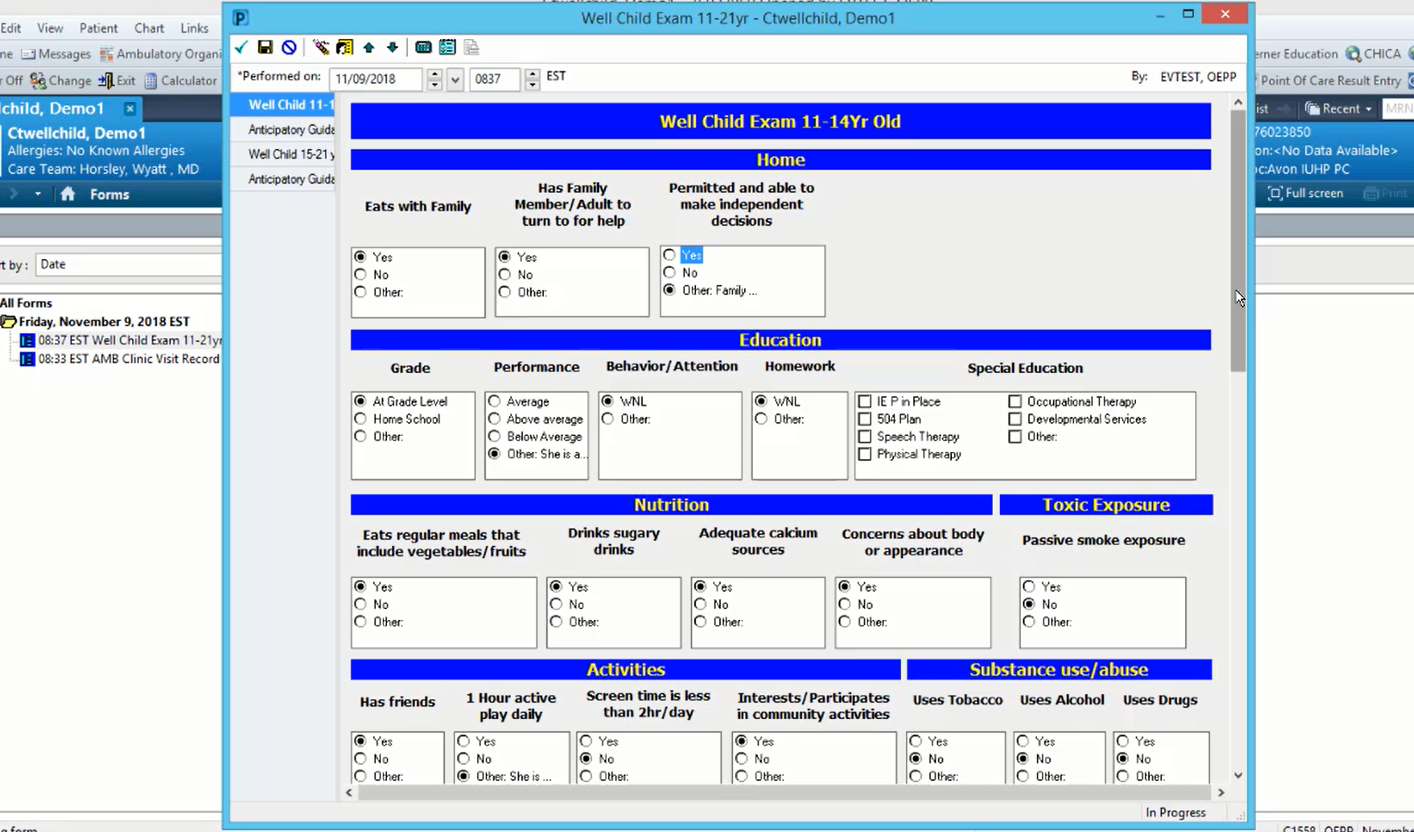 Well Child Exam Dynamic Documentation
Using Cerner Dynamic Documentation to document Well Child Exams.
-
Working with multi-phase powerplans and saving to favorites
Tips and Tricks for using Cerner